21/10/2026 22:06
Can Customers Send the Part Photo? Telegram Media Permissions for Cambodian Door-Hardware Shops
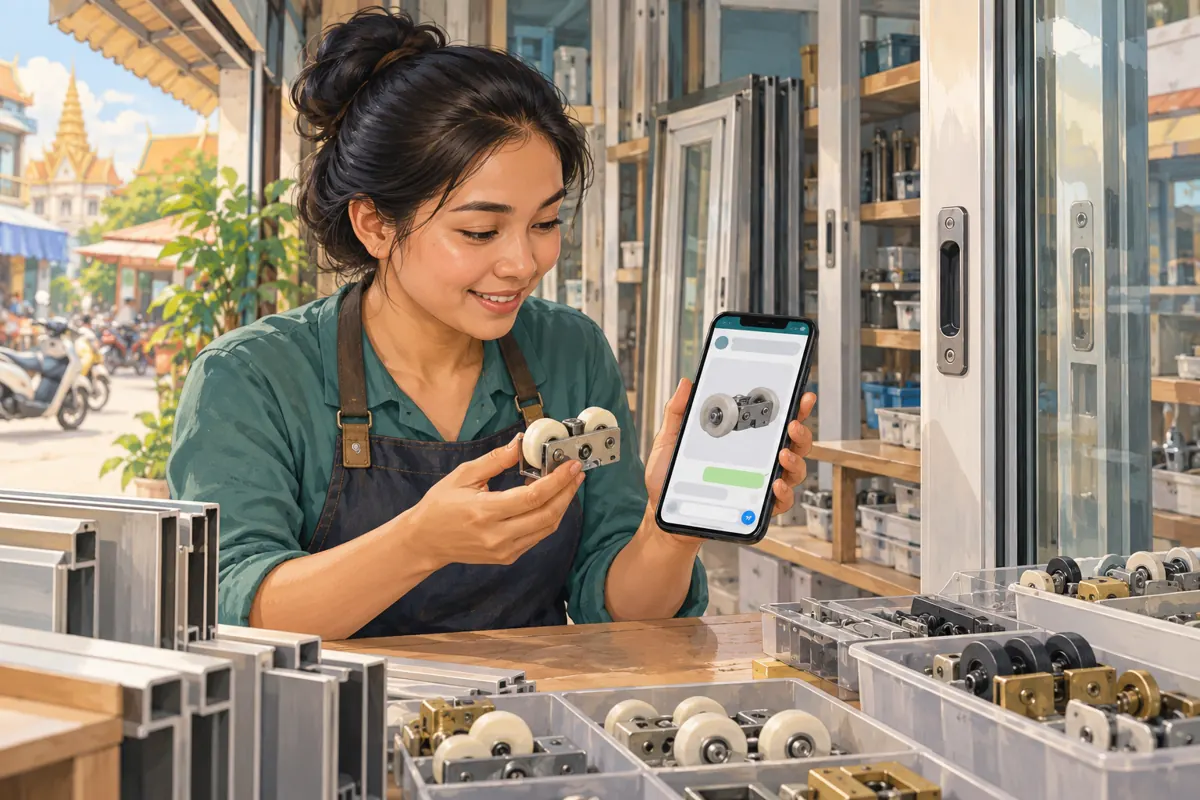
A clear promotion can still lead to an unusable customer conversation. Someone sees a sliding-door roller in your catalogue, joins the shop’s Telegram group and tries to send a photograph of the old part. If photos are blocked, the enquiry stalls. If every kind of media is welcome without guidance, useful measurements can disappear between unrelated clips and stickers. For a Cambodian hardware business, the practical question is which message formats help staff identify a part and explain the next step. This guide develops a suggested workflow for that decision, from choosing permissions to testing them before promotion. The shop and customer situations below are hypothetical; they illustrate a process, not customer results.
1. Define the job of the customer group
Imagine a hypothetical Phnom Penh shop selling replacement rollers, handles and tracks for sliding doors. Its catalogue introduces products, while its customer group helps people ask whether a particular part might match. Those are different jobs. Before changing settings, write one sentence describing the group’s purpose: customers may share relevant part photos and questions so staff can request the information needed for an assessment.
Decide what belongs elsewhere. Delivery addresses, payment records and individual quotations should follow a clearly identified private contact route. General questions about wheel shape or mounting holes can remain useful to other readers. This boundary gives staff a reason for each permission choice and gives the promotional message an honest promise: help preparing a parts enquiry, with compatibility and availability still subject to checking.
2. Understand what media permissions can control
Telegram’s official feature announcement explains that administrators can independently control nine media types in groups, including photos, voice messages and video messages. Text messages can also be disabled. The supporting page is https://telegram.org/blog/profile-pics-emoji-translations. These controls let a shop choose formats suited to its group’s purpose.
A format restriction cannot decide whether a photograph shows a useful roller or an unrelated advertisement. Staff still need clear rules and moderation. Start by listing the information a legitimate enquiry requires, then match formats to that information. Avoid switching off every attachment simply because one type has caused clutter. That can remove the evidence your counter staff need to answer accurately.
3. Keep photos and written measurements usable
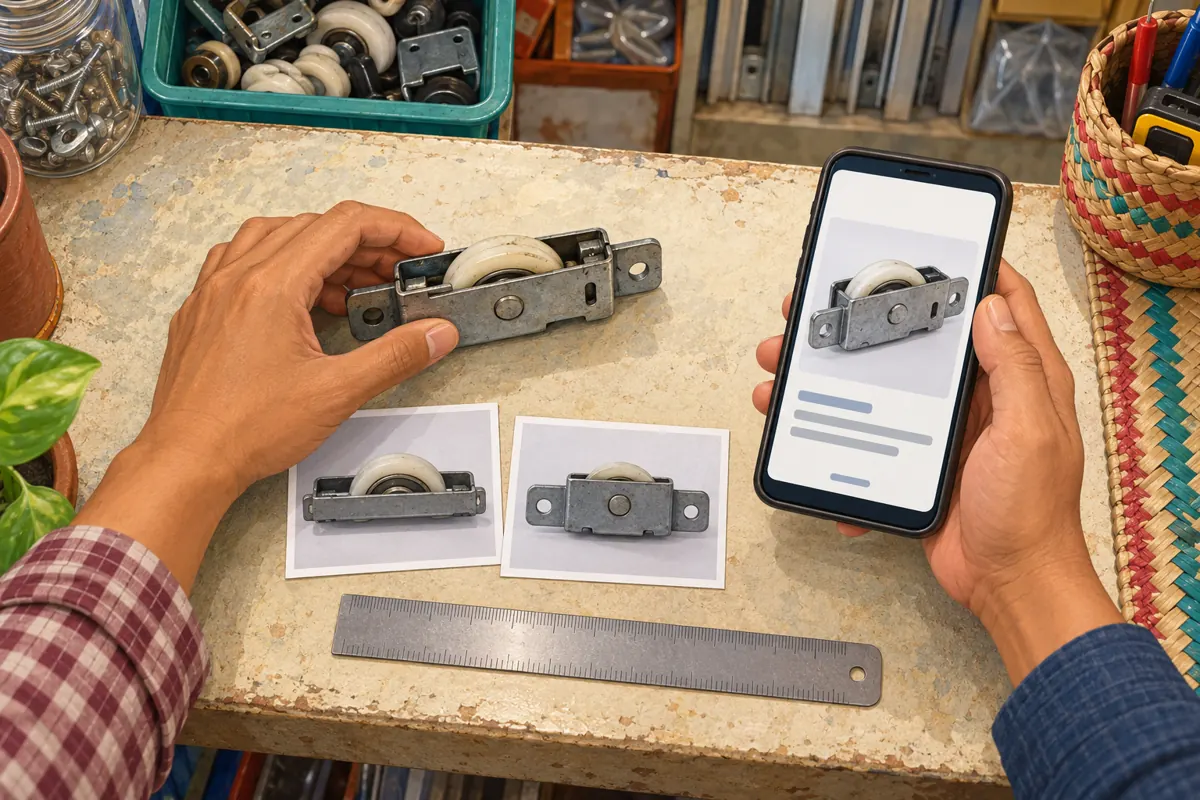
For the hypothetical roller shop, text and photos are sensible starting points. A customer may know the wheel diameter but not the product name, or recognize the housing shape without knowing which dimension matters. Ask for an overall view and a closer view of the relevant mounting detail, using a detached sample only when one is already safely available. Do not encourage customers to dismantle a heavy door for a group photograph.
Keep written questions available alongside pictures. A useful hypothetical enquiry might say, “I need the complete roller assembly shown here. Which measurements should I provide?” Staff can then request specific dimensions and units. A ruler placed beside a component gives context, but perspective can make a photograph misleading. Record the customer’s stated measurement separately from any size inferred from the image.
4. Decide whether voice, video and files earn their place
Voice messages may help customers who find speaking Khmer easier than typing a detailed description. If staff can review them reliably, keep that route available and ask for a short explanation focused on one part. Have the staff member repeat the important specification in writing for confirmation. If voice messages are restricted, explain an accessible alternative rather than leaving customers to guess why their explanation cannot be sent.
Video can help show movement, while a document may contain a supplier’s dimension drawing. Neither needs to be enabled merely because it exists. Ask how frequently each format resolves a real identification problem and whether someone can review it. For occasional exceptions, direct the customer to the shop’s private contact. Unrelated entertainment media can be restricted without treating every customer attachment as a nuisance.

5. Configure the group and test as an ordinary member
Use the group’s information and management controls to locate member permissions. Read the labels in the installed Telegram app, inspect the available media choices and save the intended combination. Interface wording can vary, so document the choices your staff actually see. Record the date, responsible administrator and reason for the change in a short internal note.
Ask a consenting colleague using an ordinary member account to try the expected customer journey. Send a sample part photo, a written question and each additional format you intend to accept. Also check that a restricted format behaves as expected. An administrator’s successful upload alone is not a sufficient member test. Use harmless shop samples, and inspect any existing member-specific restrictions if one person’s experience differs from the general result.
6. Publish a short submission guide customers can follow
Explain the accepted formats in the language customers use, with Khmer wording reviewed by someone who understands the products. Keep the guide practical: show the whole component, show the detail staff request, state whether the customer wants a wheel or a complete assembly, and include known measurements with units. Leave room for uncertainty; customers should be able to say they do not know.
A hypothetical English drafting version could read: “Send a clear photo of the part and tell us what you want to replace. Include any measurements you already know. Please keep addresses and payment details out of the group. We will tell you what else we need before checking a match.” Adapt that wording to the shop’s actual process. Do not promise an immediate identification if staff cannot provide one.
7. Move sensitive details to the correct private conversation
A close-up of hardware can accidentally include a delivery label, a customer’s paperwork or identifying details in the background. Ask people to check their frame before sending. Staff should demonstrate with shop-owned samples on a plain surface. If a photograph exposes personal information, address it promptly and ask for a cleaner replacement rather than repeating the image in several replies.
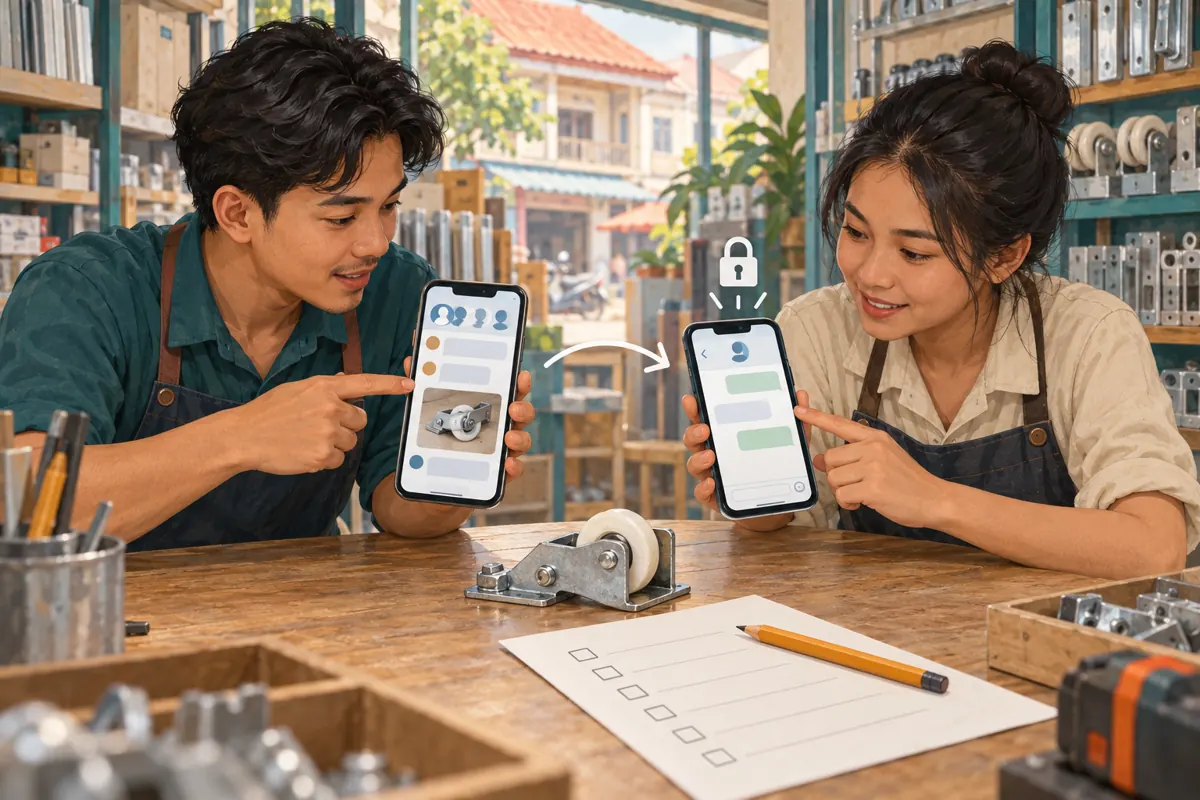
When a discussion reaches quotation or delivery, identify the shop’s private contact clearly. Carry across only the product context needed to continue, such as the agreed part description and unanswered measurement question. Explain that this is a change of conversation audience, not a guarantee about confidentiality or encryption. A private enquiry also remains an enquiry until the shop confirms the relevant commercial details.
8. Connect promotion to a working enquiry route
Before promoting the group, open the intended destination from a customer’s perspective. Check that the invitation leads to the correct place, the submission guide is easy to find and someone is responsible for responding. Use a promotional photograph that resembles the evidence customers will need to provide. A neatly staged product image can introduce the service, but it should not imply that every similar-looking roller is interchangeable.
Make the call to action specific: invite readers to ask what information is needed to check a replacement. Avoid language such as “send any picture for a guaranteed match.” In the hypothetical shop, a staff member might need the housing width and mounting arrangement before even identifying a candidate. Explain that uncertainty early so the customer understands why follow-up questions are part of the service.
9. Keep SMM panel services separate from group readiness
The supplied public catalogue includes “Telegram - Views ~ 1 POST ~ INSTANT”. Its name identifies a single-post views offering, but the brief provides no supporting description. Treat its wording as a catalogue label, not verified delivery performance. Confirm current terms and supported targets before considering any request; do not assume a group invitation or customer discussion is an eligible post target.
That listing does not describe permission configuration, customer support or parts identification. It also provides no basis for claiming Cambodian viewers or purchase intent. If you use smmchhean.com to review a relevant offering, keep the exact target and service record separate from your group setup notes. Purchased engagement is not evidence of genuine interest, sales, advertising delivery or Cambodian users. It cannot make a blocked photo upload work.
10. Review enquiry quality and correct the right problem
After promotion, review whether people can supply usable information. Note recurring obstacles: missing units, photographs that hide the mounting points, confusion between a wheel and its housing, or customers unable to explain the issue in an accepted format. Record these as observed problems, with personal information minimized. Adjust the submission guide or permissions according to the obstacle rather than changing several settings at once.
Telegram explains that channel view counts are approximate and include forwarded copies; repeat viewing can also be counted again after a period. See https://telegram.org/faq_channels. Keep that counter separate from records of genuine enquiries and confirmed orders. A quieter group is not automatically a better group either. If relevant questions stop after a restriction, test the submission route before concluding that customer demand has fallen.
11. Avoid restrictions that create new work
A common mistake is choosing a media-only group because product photos look tidy. A customer may then struggle to add the explanation staff need. Another is accepting every format without naming a reviewer, leaving long recordings unanswered. Use the least complicated arrangement that supports the real conversation, and revisit it when the product mix or staffing changes.
Avoid silently changing the rules during a promotion. Explain what changed, why it changed and how customers can send information that no longer belongs in the group. Finally, do not interpret a tidy conversation as proof of a successful campaign. The useful outcome is that a customer understands the next step and staff can assess the enquiry without guessing. Promotion should lead into that process, with its limits visible.
Frequently asked questions
Should a Cambodian parts shop disable voice messages?
Base the decision on customer needs and staff capacity. Voice may be useful when a customer can explain a problem more easily in Khmer than in writing. If you accept it, ask for a focused explanation and confirm important specifications in text. If you restrict it, provide a practical alternative contact route.
Why can an administrator send a photo when a customer cannot?
The two accounts may have different permissions. Check the group’s member settings and any restriction affecting that customer, then repeat the test with an ordinary member account. Do not assume that the administrator’s successful upload proves the customer route works, or ask for the customer’s login details to investigate.
Will allowing only relevant media stop unrelated promotions?
Permissions control formats, so they cannot determine whether every permitted photo or message is relevant. A clear group purpose, a visible submission guide and consistent moderation remain necessary. If unwanted posts arrive as photos, banning all customer photos may damage the identification workflow without resolving the underlying moderation problem.
Can a post-views service demonstrate that this workflow attracts buyers?
No. A service delivery record and a post counter do not establish that a Cambodian customer submitted a useful enquiry or placed an order. Evaluate the workflow through actual customer interactions: whether required information arrived, whether staff clarified the request and whether any subsequent order was explicitly confirmed.
What should staff do when a needed format is restricted?
Explain the approved alternative and keep the customer’s question moving. For an occasional drawing or movement video, that may mean using the designated private contact. If the same exception repeatedly occurs, review whether the group’s permissions still fit its purpose. Change the rule deliberately, test it and update the submission guide.
Explore the current service catalogue, create an account, or ask a specific question through support tickets.
- Telegram: Profile Photo Maker, Translating Entire Chats, Emoji Categories and More — Granular Media Permissions
- Telegram Channels FAQ — What Does the Eye Icon Mean?
Prepared with AI assistance. Illustrations explain the workflow and do not represent customer results.