19/10/2026 14:56
Buying, Learning or Repairing? YouTube Home Tab Sections for Cambodian Sewing-Machine Shops

A sewing-machine shop can publish useful videos and still leave visitors unsure where to begin. A buyer wants to compare machines, a new owner needs threading instructions, and an existing customer wants to prepare for a repair visit. When those videos appear together without clear routes, the visitor must work out the shop’s filing system. For Cambodian businesses promoting a YouTube channel through social posts, customer messages or printed materials, that confusion deserves attention before any additional promotion. This guide explains how to organize the channel’s Home tab around customer tasks, check the result on a phone, and evaluate SMM-panel offers without treating purchased engagement as evidence of customer usefulness.
1. Decide whether the channel homepage is the right destination
Begin with the promise in the promotional message. If it says customers can explore demonstrations, beginner lessons and repair information, a channel homepage can serve that broad purpose. If it promises an answer to one threading problem, send the relevant video instead. A well-organized homepage is useful for exploration, but it still adds a choice between the customer and a specific answer.
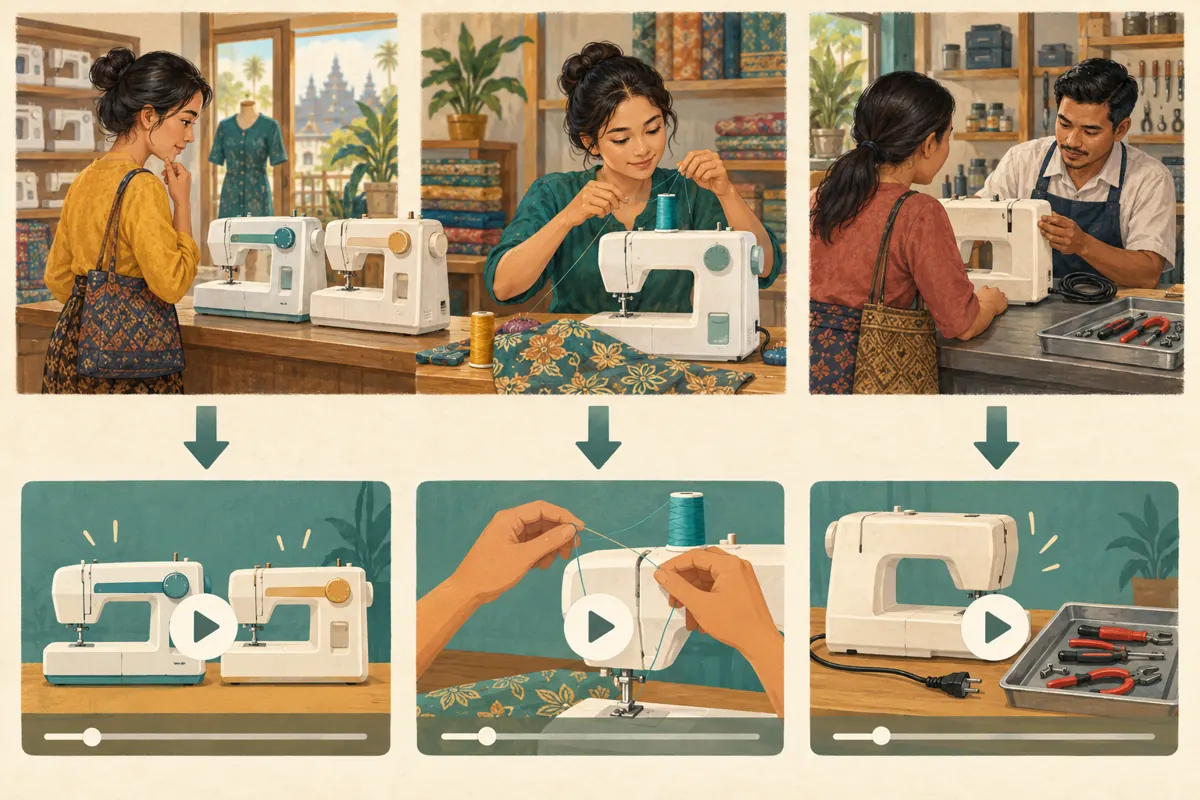
Consider a hypothetical shop in Phnom Penh that sells domestic sewing machines and accepts repair enquiries. Its channel contains product comparisons, operating demonstrations and explanations of workshop intake. The owner wants a general channel link on a counter card. That situation justifies a homepage with several clear routes. Before editing anything, write the intended visitor action in one sentence: visitors should recognize their task and select an appropriate video without asking staff where to look.
2. Sort videos by the customer’s question
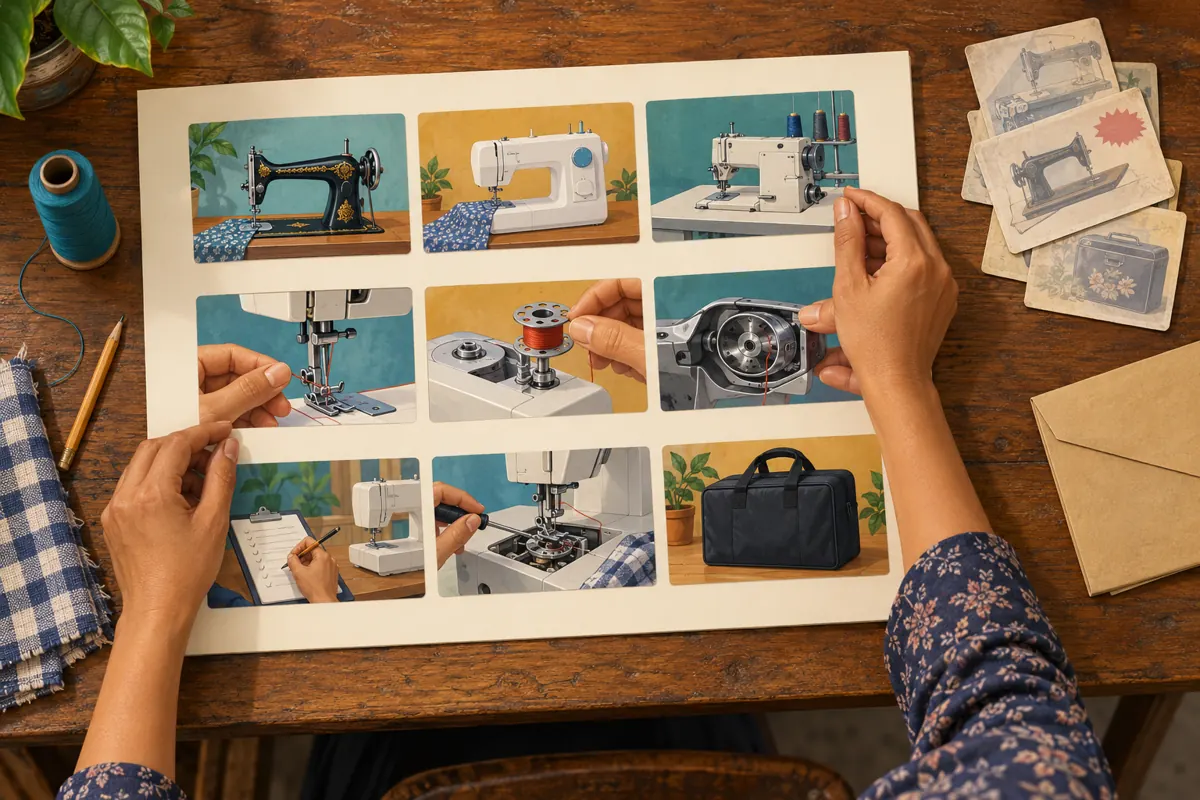
Make a short inventory of videos that remain accurate. For each, record the main question answered, the machine shown, the spoken language and any information that may expire. Then assign a primary purpose: choosing a machine, learning basic operation or preparing a repair enquiry. These categories are an editorial starting point, not a required YouTube structure.
Use the distinction carefully. A machine demonstration may help buyers compare features, while a close-up threading lesson serves someone who already owns that model. Putting both under a vague label such as Helpful Videos makes the visitor repeat the sorting work. In the hypothetical shop, a comparison belongs with buying guidance even if it includes a short threading sequence. Place videos according to their main answer, and avoid repeating the same small selection everywhere simply to make the channel look full.
3. Choose section names that make a useful promise
Draft labels in the language customers actually use with the shop. An English-language planning document might propose Choosing a Machine, First Steps with Your Machine and Before a Repair Visit. A shop serving Khmer-speaking customers should prepare natural Khmer equivalents with someone who understands the business vocabulary. Preserve exact model identifiers where they help customers distinguish machines, but do not force visitors to understand technical department names.
A useful label describes what the visitor can accomplish. Workshop could mean repairs, classes or a tour of the premises. Before a Repair Visit gives a clearer expectation. Keep the promise narrower than the business’s full service range: a row of intake explanations should not imply remote diagnosis or guaranteed repair availability. Read each proposed label beside its first visible thumbnail. If they suggest different tasks, change the wording or the selected content before building the layout.
4. Build and arrange the Home tab
YouTube’s official layout guidance places these controls in YouTube Studio under Customization, then Home tab. Enable the Home tab if needed. Under Layout, use ADD section and choose an appropriate content type, such as a playlist section. Select the intended content and click Publish. To change the order, drag sections using their vertical handles and publish the revised layout.
For the hypothetical shop, start with a deliberately small arrangement: buying guidance, beginner operation and repair-visit preparation. Use clearly named playlists to supply those task-based rows. Put the route most closely aligned with the current promotion first. A campaign inviting first-time buyers to explore demonstrations calls for a different emphasis from a message helping existing owners prepare for servicing. Keep a brief note explaining the chosen order so another staff member can maintain it without guessing.
5. Select the first visible videos deliberately
Treat each row’s opening content as an introduction to that task. For buying guidance, choose a demonstration that explains who a machine suits and what viewers should compare. For beginner operation, begin with a clearly identified model and an understandable starting procedure. For repair preparation, favor a video explaining what information to provide and how to contact the shop before travelling.
Review accuracy before visual polish. An attractive old promotion may contain an expired offer, an unavailable model or a previous workshop address. Do not feature it merely because its thumbnail looks professional. In the hypothetical shop, an older introductory video might remain useful after review, while a newer sales clip might be unsuitable because stock has changed. Record unresolved problems separately and leave those videos out of the featured selection until the content or its context has been corrected.
6. Keep the page useful for Cambodian customers
Local usefulness comes from practical details, not decorative references to Cambodia. A customer travelling from another province may need to know whether to contact the workshop before bringing a machine. A buyer comparing models may need the spoken explanation in Khmer while still seeing the manufacturer’s model code clearly. A beginner may recognize the machine’s appearance more readily than its technical category.
Make those needs visible in the selected content. Use thumbnails that distinguish the machine, the action or the visit preparation rather than repeating the same portrait across every row. Check that spoken explanations and any captions match the intended audience. Where a video discusses collection, delivery or appointments, confirm those details with the person responsible for the service. A channel layout cannot repair an inaccurate business promise; it can only make that promise easier to encounter.
7. Run a customer-task test on a phone
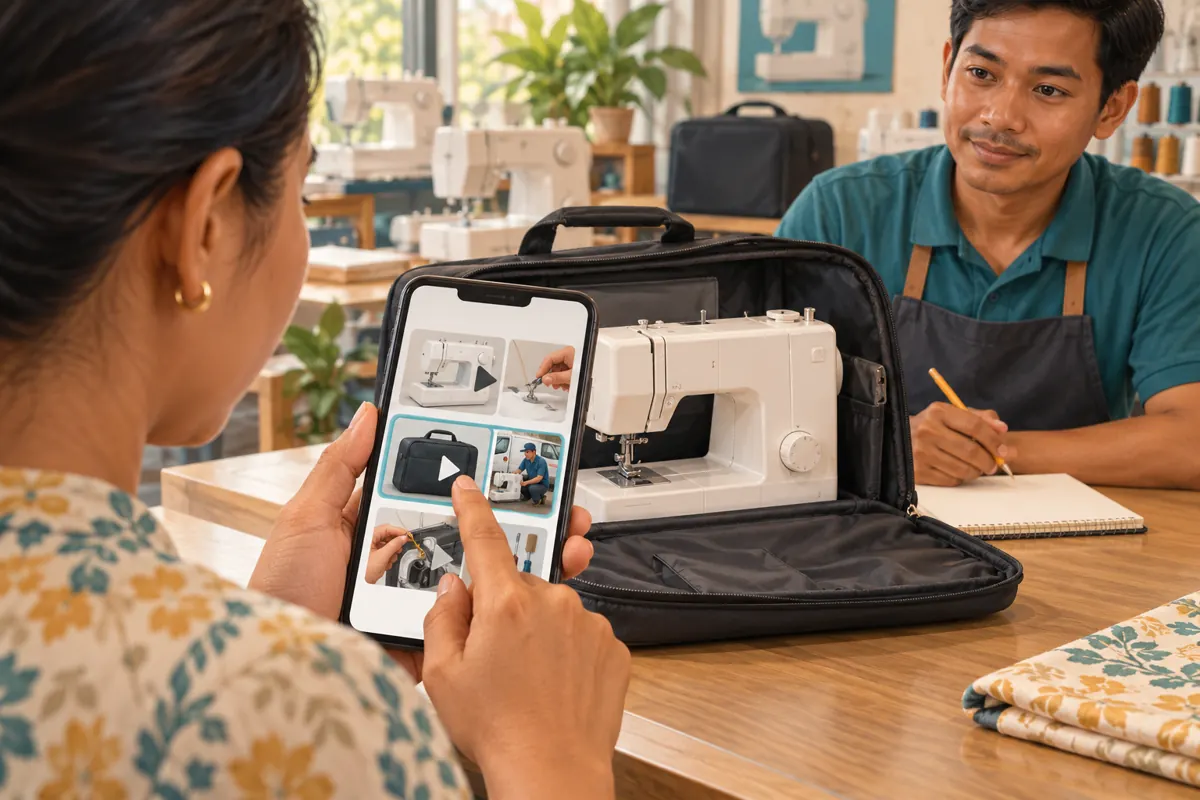
Open the public channel on a phone and ask a willing colleague unfamiliar with the arrangement to complete a realistic task. For example: imagine you already own this model and want to find the beginner threading lesson. Do not name the section or point at the correct thumbnail. Watch where the person looks, what they select and where they hesitate.
Repeat with a different task, such as finding what to prepare before contacting the repair workshop. Write down observable problems rather than broad judgments. Selected a product comparison while looking for repair preparation is useful evidence; the page feels bad is too vague to guide a change. Fix the smallest relevant problem, whether that is the section name, the opening thumbnail or the order. These exercises provide usability observations from a small test, not proof that all Cambodian viewers will behave the same way.
8. Evaluate SMM services against the actual task
The supplied smmchhean.com catalogue includes the exact public service name “Youtube Shorts Likes | Max 50k | 5k-10k/Day | 𝐍𝐎 𝗥𝗘𝗙𝗜𝗟𝗟”. Its title identifies a Shorts-likes offer, but the supplied description is empty. The title’s quantity and delivery wording should not be treated as verified performance, and it provides no evidence of Cambodian audience origin, genuine interest or a method suitable for this channel.
Likes on a Short cannot demonstrate that visitors found the correct homepage section. YouTube prohibits artificial inflation of engagement, and its policy warns that a promoter’s methods can affect the hiring channel. Reject methods that artificially inflate metrics. A catalogue listing is not platform approval. For this project, prioritize work that directly addresses the problem: clearer content selection, accurate labels and task testing. Purchased engagement is not evidence of sales, ad delivery, customer understanding or Cambodian users.
9. Promote the appropriate route and interpret feedback carefully
Once the page passes the task test, match each promotional message to its destination. Use the channel link when inviting customers to browse several kinds of help. Use a particular video when responding to a precise question. Staff should explain what the recipient will find, rather than sending an unexplained link and expecting the layout to provide all the context.
Keep a modest feedback record after the change. Note whether customers still ask where to find beginner lessons or confuse buying demonstrations with repair instructions. If a customer mentions a useful video, ask which one and what it clarified, without turning that conversation into an invented testimonial. Changes in enquiries may coincide with stock arrivals, shop hours or other promotion. Treat them as observations to investigate, not automatic proof that rearranging the Home tab caused a business result.
10. Maintain the layout without rebuilding it every week
Assign one person to review the featured content when a relevant business detail changes. Useful triggers include discontinuing a model, moving the workshop, changing the repair intake process or publishing a substantially better beginner explanation. Keep a simple record of the section, its purpose, the selected content and the last accuracy check. The record should make maintenance easier, not become another catalogue that nobody updates.
Common mistakes include adding a row for every minor topic, using clever labels customers cannot interpret, promoting stale offers and changing several elements before checking what caused confusion. Another mistake is using engagement totals to choose every featured video regardless of relevance. Prefer a smaller selection with distinct purposes. When a row no longer answers a meaningful customer question, revise or remove it from the plan rather than keeping it as decoration.
Frequently asked questions
How many sections should a small sewing-machine shop start with?
Start with the number of distinct customer tasks that your existing videos can support well. Three is a practical planning choice for the hypothetical buying, learning and repair scenario, not a platform requirement. If you have only enough accurate content for two clear routes, use two rather than filling additional rows with repetition.
Should the For you section replace the shop’s task-based rows?
YouTube describes For you as personalized content based on the individual viewer’s viewing history. That makes it different from a deliberately selected task route. If you use it, retain clear routes for essential shop information and inspect the result. Do not assume every visitor will see the same personalized selection.
Can one video belong in more than one customer route?
Yes, when it substantially answers both needs. A model introduction could help a buyer and a new owner. However, repeating it across every route reduces the distinction between sections. Ask whether the video gives the visitor the promised answer without requiring a long search through unrelated material.
Will organizing the Home tab improve search rankings or sales?
This workflow does not establish either outcome. Its immediate purpose is to help visitors navigate the channel. Test whether people find the intended information, then review genuine enquiries separately. A clearer page may support a useful customer journey, but stock, pricing, service quality and many other factors affect purchasing decisions.
What if customers still cannot find the right video?
Check whether the problem occurs before or after they choose a section. Difficulty choosing a row suggests unclear labels or order. Choosing the correct row but the wrong video suggests a title or thumbnail problem. Finding the right video without getting an answer suggests a content problem. Correct that specific stage and test again.
Explore the current service catalogue, create an account, or ask a specific question through support tickets.
- YouTube Help: Customize your YouTube channel layout
- YouTube Help: Channel customization
- YouTube Help: Fake engagement policy
Prepared with AI assistance. Illustrations explain the workflow and do not represent customer results.