21/10/2026 10:44
Too Fast to Follow? YouTube Playback-Speed Checks for Cambodian Curtain-Track Shops
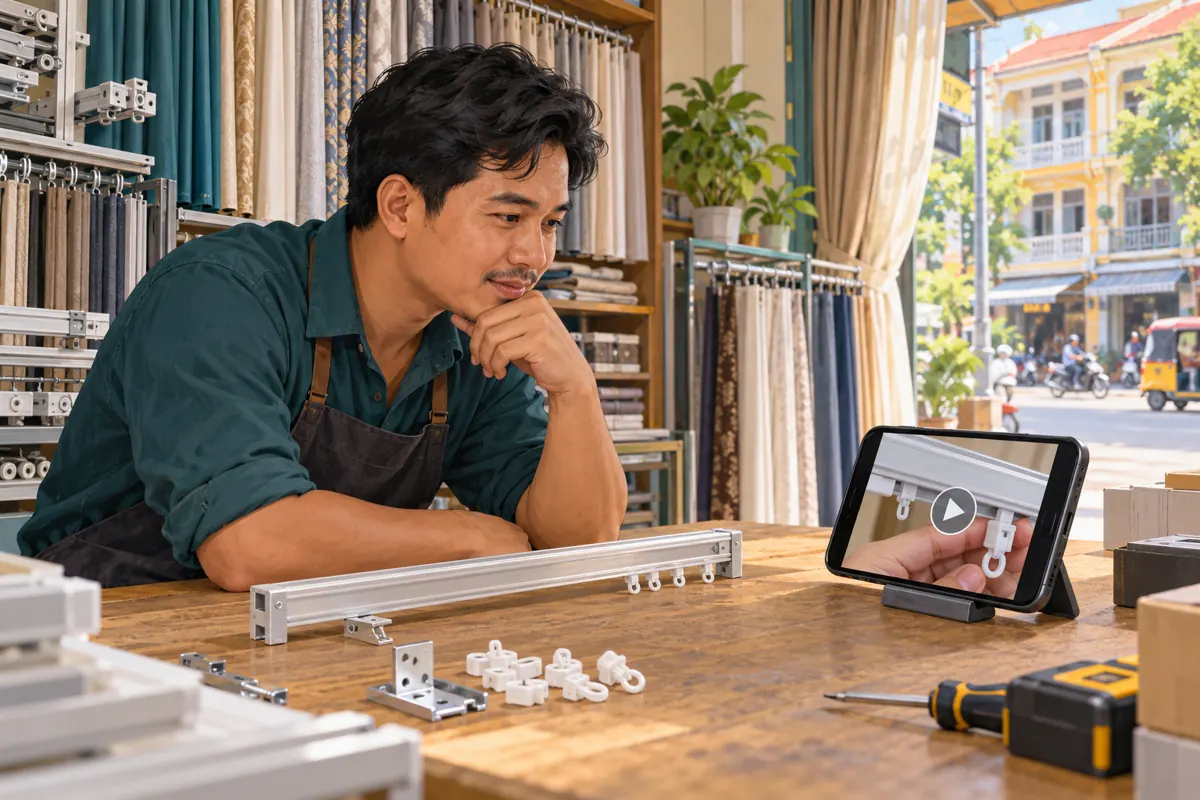
A curtain-track demonstration can look effortless to the person filming it and confusing to someone shopping for replacement parts. The hand moves, a glider disappears into the rail, and the finished curtain slides neatly. Yet the buyer still cannot tell which opening was used or whether their own track matches. Before promoting that video, a Cambodian curtain shop can use a simple playback review to identify what needs fixing. Watch at normal speed, examine the difficult movement more slowly, and ask a first-time viewer to explain what they saw. This workflow helps distinguish rushed presentation from missing visual information. It also gives an SMM panel customer a concrete content decision to make before considering any service request.
1. Define the question the demonstration should answer
Start with one customer question rather than a broad promise to explain curtain installation. A useful question might be whether a particular glider enters through the end of the sample rail. Another might concern the difference between two visibly similar replacement pieces. Choose the question that the footage can actually answer, using the exact product shown.
For a hypothetical shop in Phnom Penh, imagine staff regularly receiving photos of loose curtain gliders. The shop prepares a short demonstration showing one stocked model beside its matching rail. Its purpose is to help viewers recognise that model and send a useful enquiry. It is not evidence that the glider fits every track, nor a complete guide to mounting curtains.
2. Watch once at normal speed without helping the viewer
Begin with the version customers will watch. Use an ordinary phone, sit at a comfortable viewing distance, and play the whole demonstration at normal speed. Keep the physical sample out of the reviewer's hands initially. Otherwise, details visible on the counter may compensate for information missing from the video.
Ask the reviewer to describe the starting position, the movement and the final position. Avoid leading questions such as whether they noticed the end opening. Instead, ask where the piece entered. Write down the first uncertain moment. A precise observation, such as fingers covering the rail entrance, gives the editor something to change; a general comment that the video feels fast does not.
3. Use playback speed to examine the difficult moment
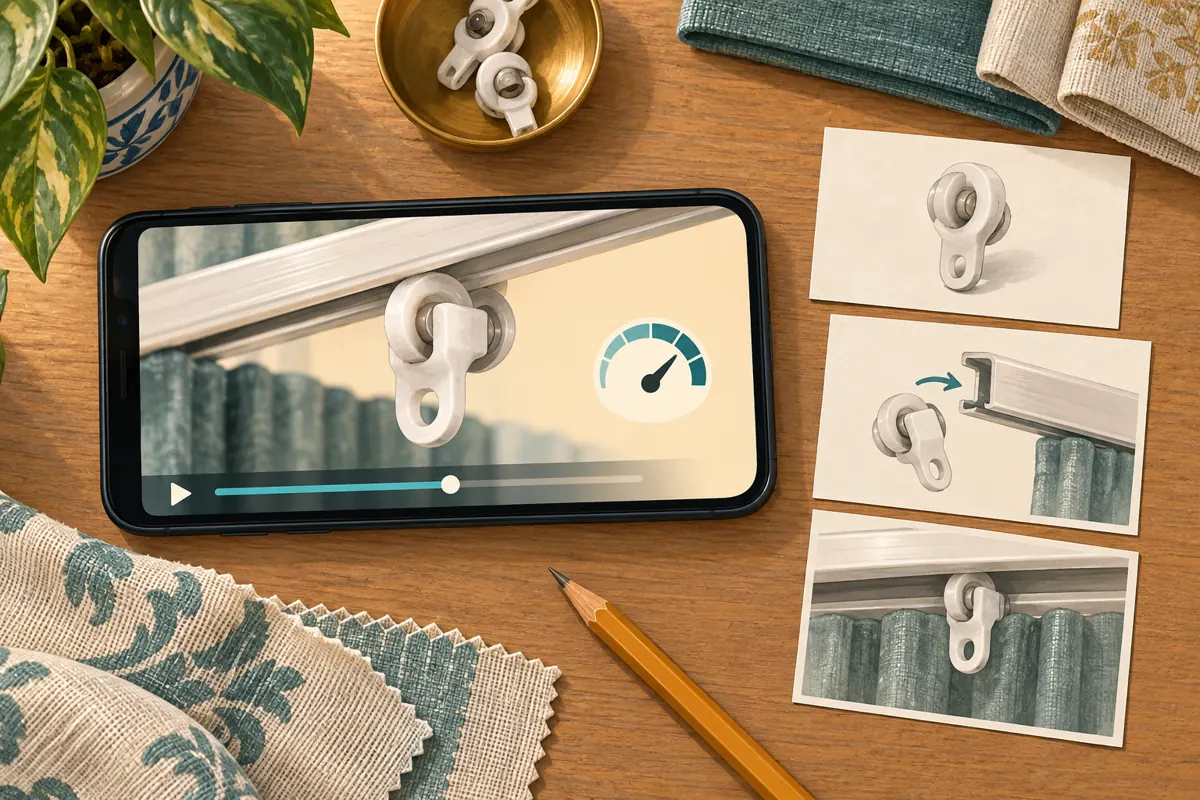
YouTube's official computer instructions say to open the video, hover over the player, select Settings, choose Speed and select a playback rate. On Android, tap the video, open Settings and choose Playback speed. Select an available slower rate and replay the uncertain movement. The official help pages are listed in the sources.
Treat this as a diagnostic pass. Notice whether the extra viewing time reveals the direction of movement or merely prolongs an obstructed view. Return to normal speed afterward and compare your understanding. YouTube notes that speed controls may be unavailable on some smart TVs and streaming devices, so customers should not need that control to understand the essential point.
4. Separate a timing problem from a visibility problem
A timing problem exists when the necessary detail is visible but passes too quickly for a new viewer to interpret. A visibility problem exists when the important detail is covered, outside the frame, too small or absent between cuts. Slower playback can help diagnose the first. It cannot reveal an opening hidden behind a thumb or reconstruct a step removed during editing.
In the hypothetical curtain shop, suppose the rail entrance becomes understandable during slower playback. The editor could lengthen that shot and give the viewer a pause before insertion. If the entrance remains hidden, the shop should film a clearer angle. Make this decision before polishing music or transitions: decorative changes will not resolve missing evidence.
5. Build a visible beginning, movement and result
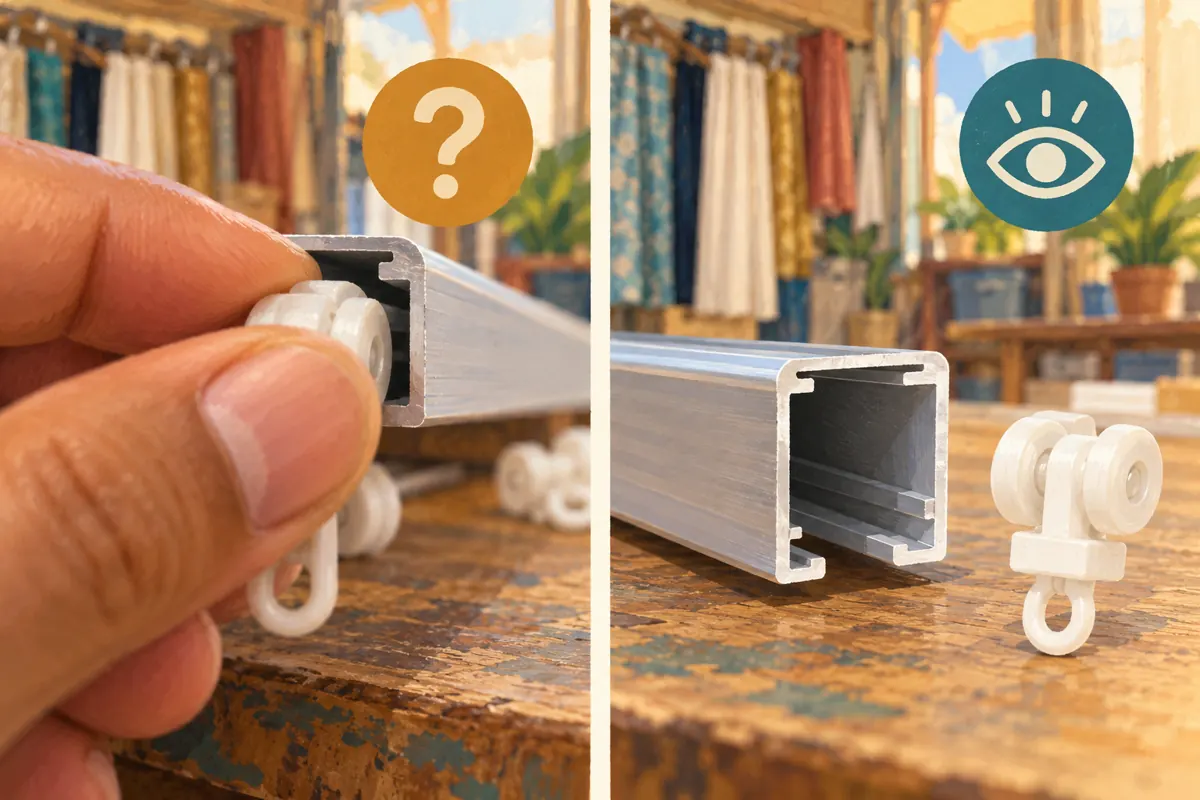
For the replacement shot, show the separate glider and the relevant end of the rail before the demonstration begins. Keep the product orientation consistent while the hand moves. Finish with a stable view of the resulting position. These three states let viewers connect the loose item with the demonstrated action without guessing what changed.
Use a short tabletop sample when that is sufficient for the product question. Clear unrelated hardware from the background and choose a surface that makes the part visible. Confirm the demonstrated method against the actual product instructions. Avoid presenting a sample demonstration as universal fitting advice, especially when other track designs use different components or methods.
6. Distinguish viewing speed from product performance
A slowed sequence is useful for explaining hand placement, but it can change how a product's movement feels. If the shop is demonstrating how smoothly a curtain travels, preserve a clearly identified normal-speed sequence for that observation. Keep any explanatory slow-motion insert separate and label it plainly so viewers understand what they are seeing.
For Cambodian buyers who prefer Khmer explanations, use straightforward Khmer narration in the actual video and retain genuine model names where needed. Say what the hand is about to show before moving it. Do not rely on a dense sentence appearing during the quickest action. The viewer needs time to look at the part as well as understand the explanation.
7. Run a first-time viewer check after editing
Choose a colleague who did not edit the demonstration. Ask them to watch at normal speed and identify the model shown, the relevant opening and what information they would send the shop to check compatibility. They do not need to perform an installation. Explaining the sequence and selecting the matching sample are enough to reveal basic misunderstandings.
Record their answers in plain language. For example, a hypothetical reviewer might recognise the correct glider but assume that the rail is included in the sale. That calls for a clearer product explanation, not another slowdown. If they still cannot see the entry point, revisit the camera angle. Keep testing focused on the original question rather than adding unrelated lessons.
8. Decide whether the video is ready for promotion
Use three possible decisions: ready, revise or reshoot. Mark it ready when a new viewer can explain the essential movement at normal speed and understand the product's stated limits. Choose revise when the footage contains the needed detail but requires a longer pause, clearer narration or a better sequence. Choose reshoot when crucial information was never captured clearly.
Then make the enquiry invitation match the demonstration. A hypothetical caption could ask buyers to send a photo of their existing rail end and loose glider for a compatibility discussion. Avoid implying that the video alone establishes a fit. Share the approved explanation through the shop's relevant social channels, with a clear distinction between buying a replacement part and requesting installation help.
9. Keep SMM service claims separate from this review
The supplied smmchhean.com catalogue includes the exact public name “YouTube Like ~ Max 500k ~ 50k/days ~ Instant ~ 𝐍𝐎 𝗥𝗘𝗙𝗜𝗟𝗟”. Its wording identifies a likes offering, but the supplied description is empty. The name alone does not establish delivery methods, audience location, authentic interest or the meaning of its promotional claims. It cannot tell you whether anyone understood the glider demonstration.
YouTube's fake engagement policy prohibits artificial increases in views, likes and other metrics, and says a hired promoter's actions can affect the channel. Review the method before considering a provider; do not proceed with artificial engagement. Purchased engagement is not evidence of genuine interest, sales, ad delivery or Cambodian users. If the method remains unclear, leave the request unsubmitted and focus on improving and sharing the useful demonstration.
10. Avoid mistakes that make a polished video harder to use
Do not speed up the whole demonstration simply to make it shorter. Remove repetition first, then preserve the time needed for the critical movement. Avoid cutting from a loose part directly to the completed assembly when the joining action answers the customer's question. Also check that close-up and wider shots show the same model and orientation.
Do not tell every confused viewer to slow the video down. Repeated confusion may indicate a filming or explanation problem. Avoid treating a request for slower footage as a buying signal, too: the person may be learning, comparing products or repairing something purchased elsewhere. Answer the practical question and let any sales conversation develop from an explicit enquiry.
11. Keep a small review record that guides the next video
Save the approved video reference with the product model, review date, uncertain moment and resulting edit. A useful hypothetical note would read: entry opening hidden by fingers; filmed a side angle; reviewer could describe the movement at normal speed. This records an observed improvement without claiming that the change increased reach or revenue.
After sharing, collect specific questions rather than drawing conclusions from a public counter. If viewers keep asking whether the end cap must be removed, inspect whether that information belongs in this model's demonstration. If they ask about a different rail, prepare a separate explanation. Let the next video answer an identifiable gap instead of extending this one until its original purpose disappears.

Frequently asked questions
Should the entire curtain-track demonstration be slow motion?
Usually, the important movement deserves extra time rather than the whole video. Show the product and explain the question at a natural pace, then give the difficult action a clearer, longer view. If you insert edited slow motion, identify it. Keep a normal-speed example when viewers need to judge movement rather than simply recognise a component.
What if the glider remains unclear at a slower playback speed?
Pause at the relevant moment and examine what is actually visible. If fingers hide the opening or the part is outside the frame, changing playback speed cannot supply the missing information. Film a closer or less obstructed angle using the same model. If the image is clear but the explanation is ambiguous, revise the wording instead.
Does a request for slower footage mean the viewer wants to buy?
No. It tells you that someone wants a clearer view of the demonstration. They could be checking an existing product or learning about the mechanism. Answer the question, then offer a relevant next step such as sending a rail photo for a compatibility discussion. Record a sales enquiry only when the conversation actually supports that description.
Can a higher like count show that the revised demonstration works?
A like count does not show which detail viewers understood. Use a comprehension check and specific customer questions to assess clarity. Keep any service delivery record separate from those observations. A paid engagement total cannot establish genuine interest, Cambodian audience membership or sales, and artificial engagement conflicts with YouTube's stated policy.
How much testing does a small Cambodian shop need?
Start with one normal-speed review by someone unfamiliar with the edit, followed by a focused check of any confusing moment. Fix the identified problem and repeat the same question. This is a practical editorial check, not a representative audience study. A simple record of what changed is more useful than an elaborate score that hides the actual misunderstanding.
Explore the current service catalogue, create an account, or ask a specific question through support tickets.
- YouTube Help: Speed up or slow down YouTube videos — Computer
- YouTube Help: Speed up or slow down YouTube videos — Android
- YouTube Help: Fake engagement policy
Prepared with AI assistance. Illustrations explain the workflow and do not represent customer results.