19/10/2026 18:26
Where Is the Cleaning Demo? YouTube Chapters for Cambodian Rice-Cooker Shops
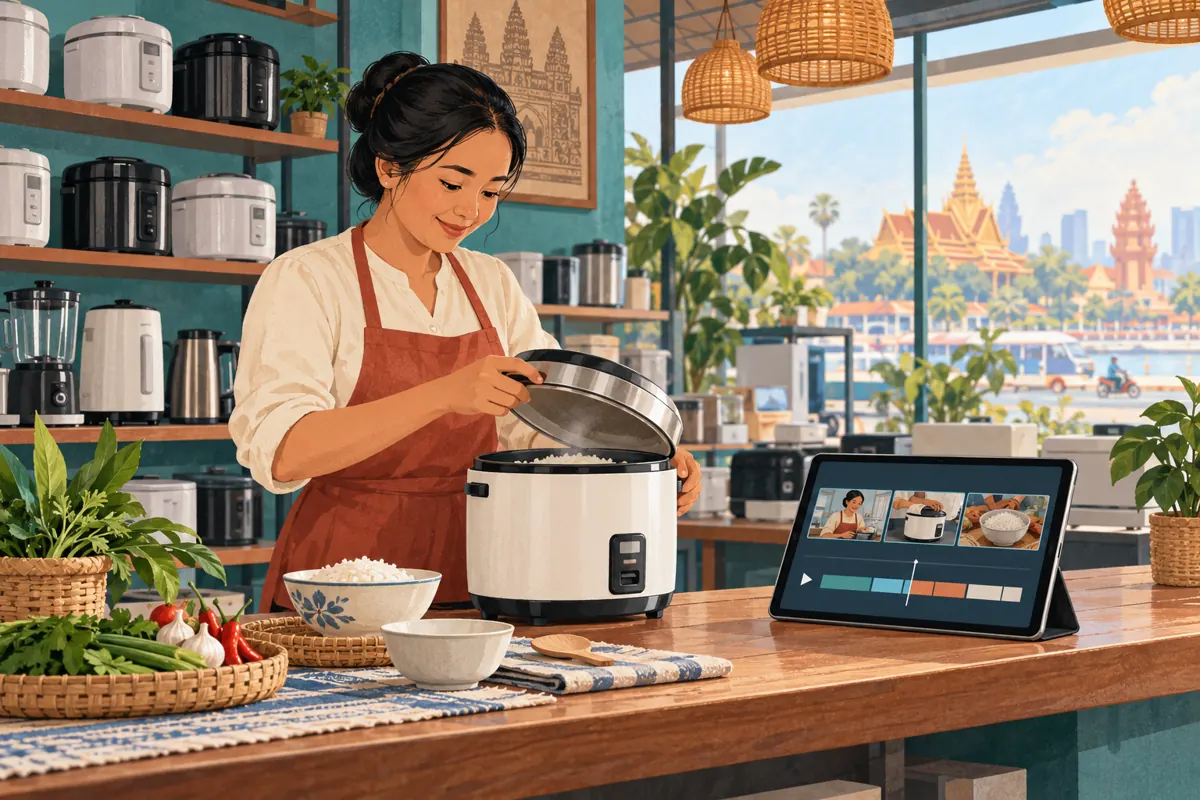
A shopper comparing rice cookers may want to inspect the inner pot. Someone who already owns the appliance may only need the cleaning demonstration. Sending both people to the beginning of a long video makes them search for different answers. For Cambodian appliance shops, a useful promotion task is to make those answers easier to find before attracting more attention. YouTube chapters can provide an index within a demonstration. This workflow explains how to choose meaningful sections, label them accurately, test the viewing experience and evaluate the result without confusing purchased engagement with customer demand.
1. Choose a video with several useful destinations
Start with a demonstration that answers several distinct questions about one clearly identified product. A rice-cooker video might cover the inner pot, controls, serving and cleaning. Chapters are useful when viewers have a reason to revisit those parts independently. A brief clip showing only the lid opening probably needs a clearer caption rather than a detailed index.
Watch the existing video before deciding to promote it. Write down what a customer can actually learn from each part. If the presenter mentions cleaning but never shows which components are removable, a cleaning chapter would promise too much. Add the missing explanation in a revised demonstration, or choose a narrower label. The decision is practical: use chapters when the answers exist but are difficult to locate; improve the footage when the answers themselves are incomplete.
2. Build the chapter plan from customer tasks
Imagine a hypothetical appliance shop in Phnom Penh receiving questions about pot size, operating buttons and washing removable parts. Staff can use those questions to draft a short viewing route. Record the question, the scene that answers it and the point where that scene begins. Use anonymous summaries of enquiries; a chapter-planning sheet does not need customers' names or phone numbers.
Group questions that depend on the same explanation. Pot markings and the supplied measuring cup may belong together, while cleaning needs its own destination. Do not create a chapter for every camera cut. A new angle can continue the same answer. Conversely, one continuous shot may contain several topics. The organizing principle is the viewer's task, not the editor's sequence of clips. Have a salesperson check whether the proposed divisions match how customers ask about the appliance.
3. Mark boundaries on the finished demonstration
Use the final uploaded version when recording start times. An introductory shot added during editing can move every later boundary. Play through the video and note where each new explanation genuinely begins. Start slightly before the essential action when the viewer needs to see the object being identified. Avoid landing after the presenter has already said which button or component they mean.
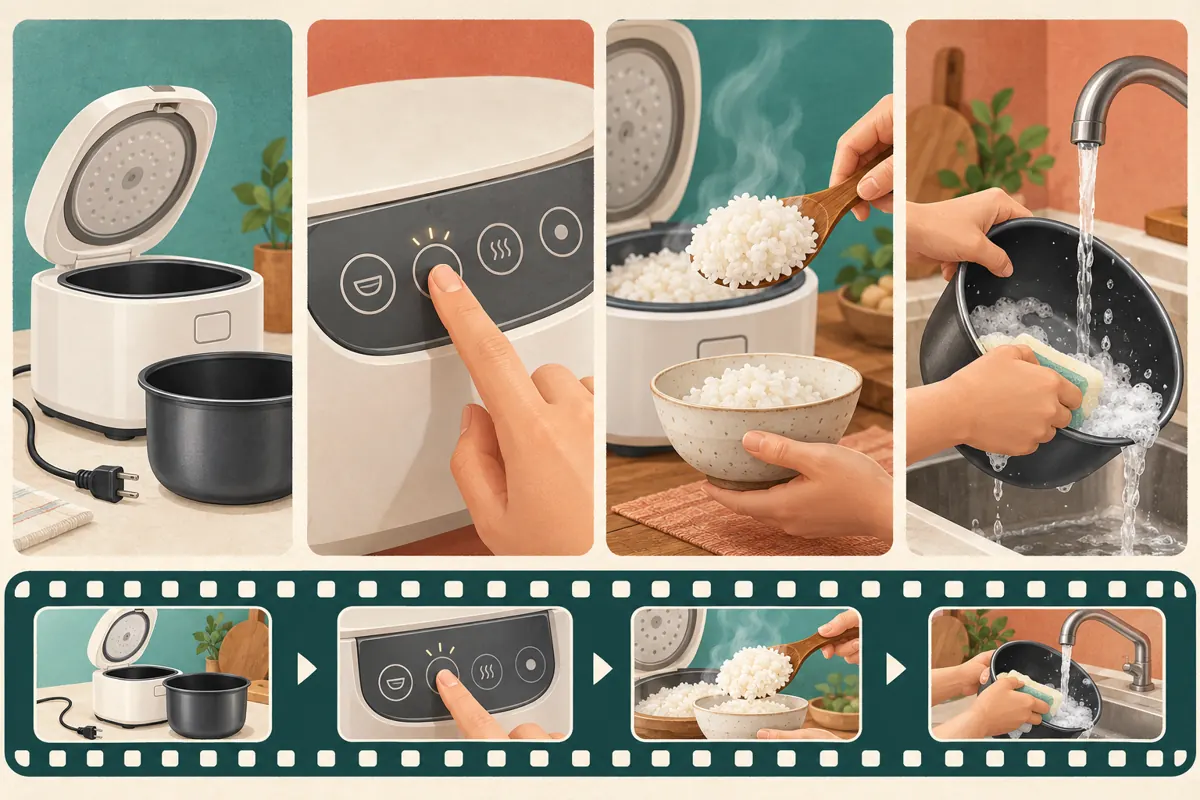
For illustration, a hypothetical six-minute video could use these entries: 00:00 Model and demonstration scope; 00:35 Inner pot and capacity markings; 01:30 Controls shown on this model; 02:45 Serving the cooked rice; 04:00 Cleaning removable parts; 05:15 What to confirm before buying. These are invented planning times, not a template to paste into another video. Check the final section too: it should contain a useful answer rather than only an ending graphic. Keep the chapter plan beside the finished video for review.
4. Write labels that describe what appears
Prefer labels such as “Removing the inner pot” or “Controls on this model” over “Amazing feature” and “Important information.” A viewer should be able to choose a section without guessing. Avoid turning chapter titles into sales claims. “Capacity markings explained” is more defensible than “Feeds every family,” especially when serving sizes and cooking habits differ.
For a Khmer-speaking audience, ask a fluent staff member to write and review the actual chapter labels in Khmer. Keep genuine model names recognizable and use consistent terms for the same component. This English workflow does not require changing the channel's language settings. If a shop serves several language groups, test whether the chosen labels remain easy to scan on a phone. Long bilingual titles can become cumbersome. Let the video description explain language availability, while each chapter title stays focused on its subject.
5. Add the chapter list and check availability
YouTube's Video Chapters instructions say to open YouTube Studio, choose Content, select the video and add timestamps with titles to its description, then save. Start at 00:00, include at least three timestamps in ascending order and allow at least ten seconds per chapter. Manual chapters override automatic chapters. If chapter access is missing, YouTube directs creators to Advanced features. The official instructions are linked in the sources.
Place the list where viewers can recognize it as navigation. Preserve the model identification, relevant limitations and contact instructions already in the description. After saving, open the viewing page and check the result rather than assuming the edit worked. YouTube notes that automatic chapters are not available on every eligible video and that active strikes or potentially inappropriate content can affect chapter availability. A shop should therefore verify its own video instead of treating another channel's display as proof of what it will receive.
6. Make every entry point understandable
Chapter navigation lets someone enter midway through an explanation. Review each section as though the viewer skipped everything before it. A cleaning scene should identify the part being cleaned and preserve the relevant precautions from the manufacturer's instructions. Do not let a convenient jump point bypass essential context about disconnecting power, cooling the appliance or distinguishing a removable pot from the electrical body.
The same principle applies to product comparisons. If a section concerns only one model, name or show that model again. Do not rely entirely on an introduction the viewer may never watch. In the hypothetical shop video, the controls chapter could begin with a clear view of the cooker and its control panel before the presenter describes a button. Chapters cannot repair an unsafe demonstration or an unsupported specification. Resolve those problems in the content before using the video in promotion.
7. Run a phone test with a specific question
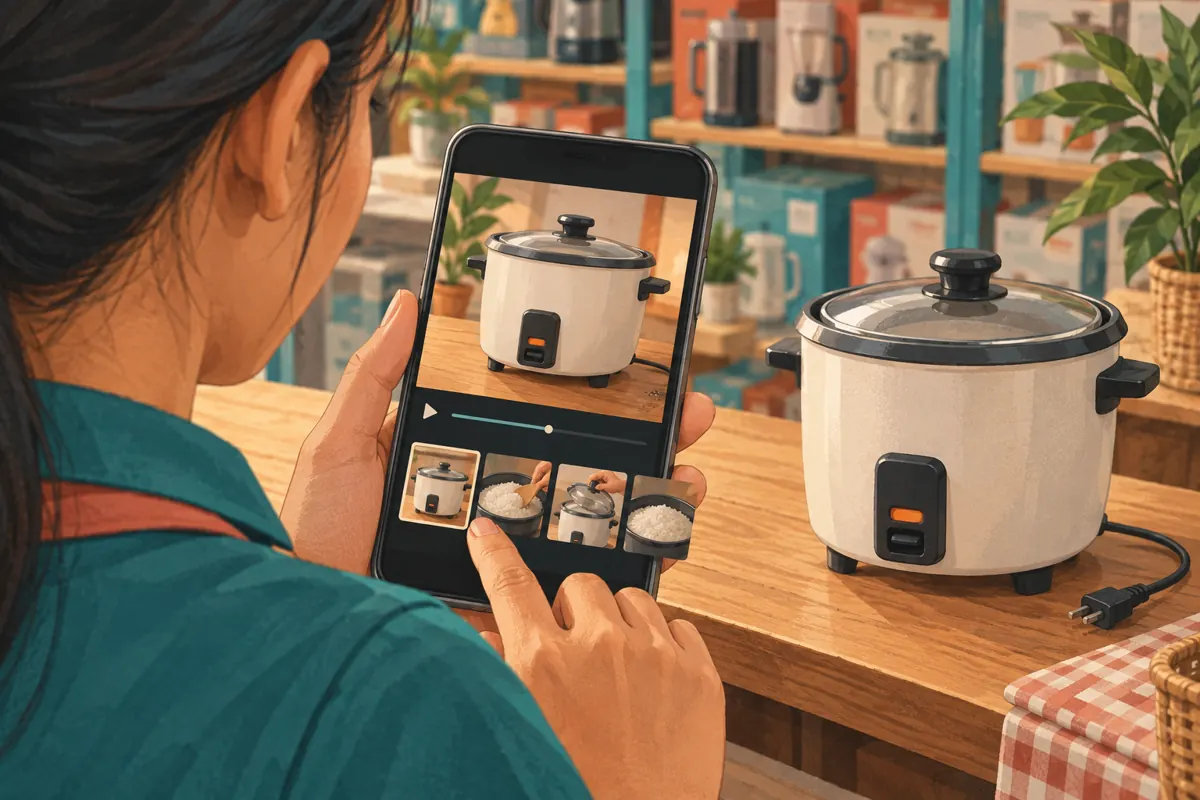
Ask a colleague who did not edit the video to open the customer-facing link on a phone. Give them one task: find the explanation of cleaning the removable pot. Observe which label they choose and whether the landing point provides enough context. Repeat with another task, such as finding the controls. This is an internal usability exercise, not customer research or proof of commercial results.
Record concrete problems. “The label said cleaning, but the section began with serving rice” points to a boundary error. “I could not tell which model was being discussed” points to missing context. Check that the saved description and playback destinations agree. A successful test means the reviewer found the intended answer and understood its scope. It does not establish that all customers will navigate similarly. Correct the identified problem, then retest that part without changing unrelated sections.
8. Use the index in ordinary promotion and replies
Once the chapters work, describe the video's usefulness when sharing it through the shop's existing social channels. A message could explain that the demonstration includes separate sections for controls and cleaning. Mention only sections that actually exist. Keep the product model visible in the accompanying post so someone looking at a different cooker does not mistake the demonstration for universal instructions.
Staff answering an enquiry can name the relevant chapter and ask a focused follow-up question. For example, a hypothetical reply might say: “The cleaning section shows the removable pot on this model. Is that the model you have?” Do not assume watching the video completes the sale or resolves every support issue. If the customer describes a fault, the next step may require inspection or manufacturer guidance. Keep current availability and quotation details in a contact route the shop can maintain.
9. Apply a separate decision test to SMM services
The supplied smmchhean.com catalogue includes the exact service name “YouTube - Views ~ 𝐋𝐢𝐟𝐞𝐓𝐢𝐦𝐞 ~ 1k-2k/days ~ [ 𝐒𝐨𝐮𝐫𝐜𝐞: Mixed ]”. It is listed as a YouTube views service, but its description is empty. The title does not independently verify delivery speed, persistence, traffic quality or audience location. Nothing supplied establishes that it creates chapters or reaches Cambodian appliance buyers.
YouTube's Fake engagement policy prohibits artificially increasing engagement metrics and explains that a hired promoter's actions can affect a channel. Review the proposed method against that policy; do not proceed with artificial engagement. A panel listing is not evidence of platform approval. Purchased engagement cannot establish genuine interest, sales, ad delivery or Cambodian users. Keep any existing service record separate from the chapter review, and do not insert promotional links for artificial-engagement services into the video or description. For this workflow, useful navigation and legitimate distribution are the priorities.
10. Review the answer quality and maintain the index
After staff begin using the chaptered video, keep a small record of unresolved questions. Note the topic, the relevant chapter and what remained unclear. If viewers still ask whether the pot can be removed, inspect whether that action is visible and whether the label describes it. Repeated confusion can justify a clearer demonstration; it does not automatically justify more promotion.
Avoid claiming that chapters caused an increase in enquiries simply because the two happened close together. Stock changes, other posts and seasonal buying needs may also matter. Evaluate the narrow question you can inspect: does the index lead to accurate, useful answers? Recheck timestamps whenever the video is edited or replaced. Common mistakes include copying times from an older cut, splitting one explanation into too many fragments, using exaggerated labels and leaving obsolete model information visible. Assign one person to maintain the chapter list alongside the video's product details.
Frequently asked questions
Should every rice-cooker video have chapters?
No. Use them when a video contains distinct answers worth finding separately. A short demonstration of one action may already be easy to follow. Adding artificial divisions can make the index less useful. First decide whether viewers face a navigation problem, a missing explanation or a video that simply takes too long to reach its point.
Can we copy the example timestamps into our description?
Only if they happen to match your finished footage, which should never be assumed. The six-minute example is hypothetical. Record boundaries from your own video and check each destination. Even a small introductory edit can shift later sections. Keep a dated copy of the approved chapter list so staff know which version they reviewed.
What if the labels are correct but viewers still miss the answer?
Watch the section from its entry point without the preceding introduction. The explanation may depend on a model name, gesture or warning that appears earlier. Move the boundary to include the necessary context, or improve the footage. A more descriptive label helps discovery, but it cannot supply a missing close-up or make an incomplete demonstration understandable.
Do higher view counts prove that the chapters helped?
No. A total view count does not show whether someone found the cleaning instructions, understood the controls or intended to buy. Record specific feedback and unresolved questions. If paid or purchased activity occurred, retain that context separately. Avoid presenting a change in the public count as evidence of Cambodian reach or successful chapter navigation.
What should we do when the same cooker is no longer stocked?
Decide whether the video still serves existing owners. If it does, explain its continuing purpose and keep the model identification clear. Do not redirect shoppers to a replacement model as though its controls and care instructions are identical. A new product may need its own demonstration, chapter plan and availability information.
Explore the current service catalogue, create an account, or ask a specific question through support tickets.
Prepared with AI assistance. Illustrations explain the workflow and do not represent customer results.